
Screenshots
A quick look at the app, from a real editing session.
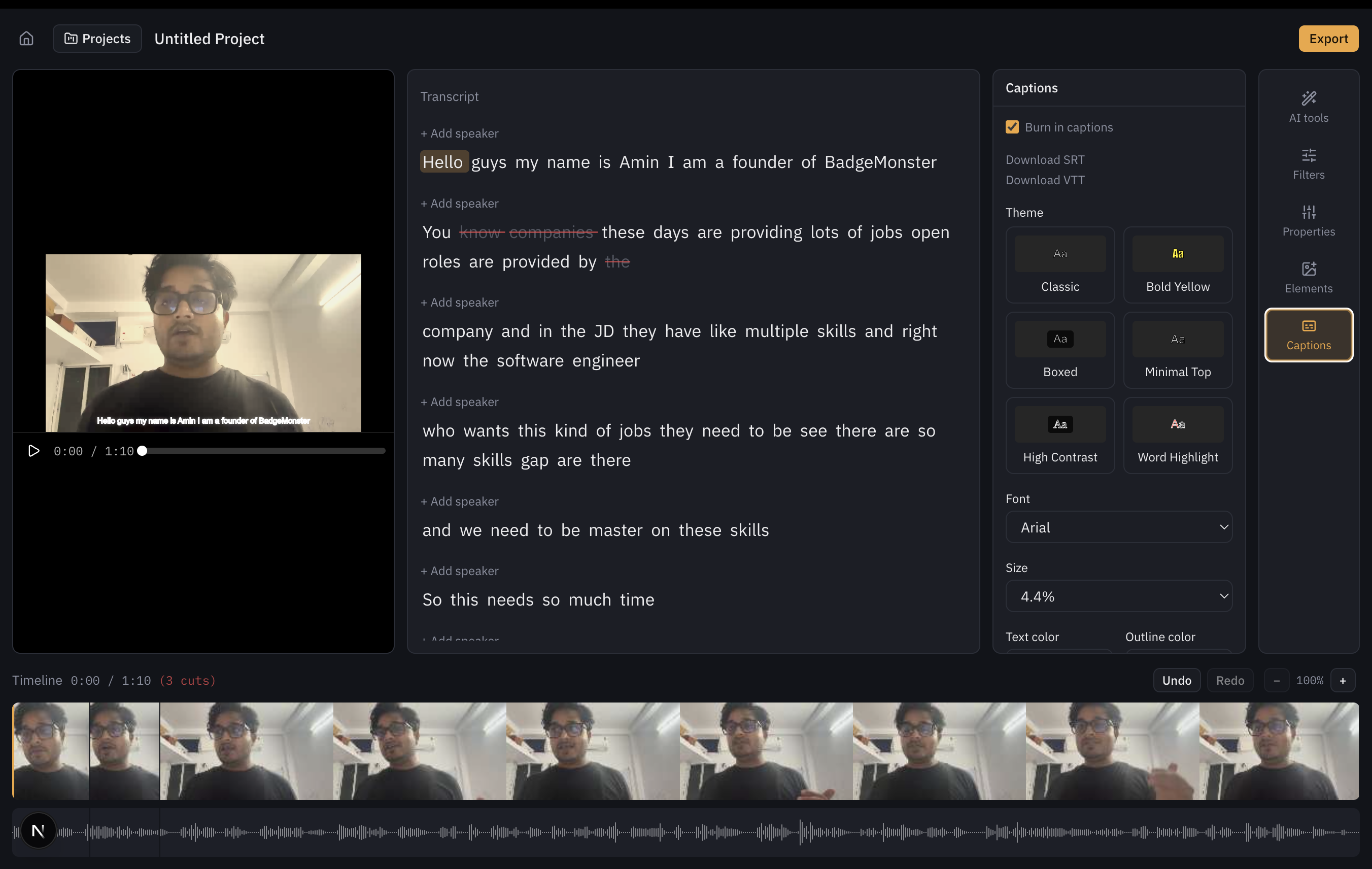
Editor: video + transcript + timeline
The transcript is the primary editing surface, alongside the video preview and a zoomable timeline with frame thumbnails and a live waveform underneath. Struck-through words here have already been cut.
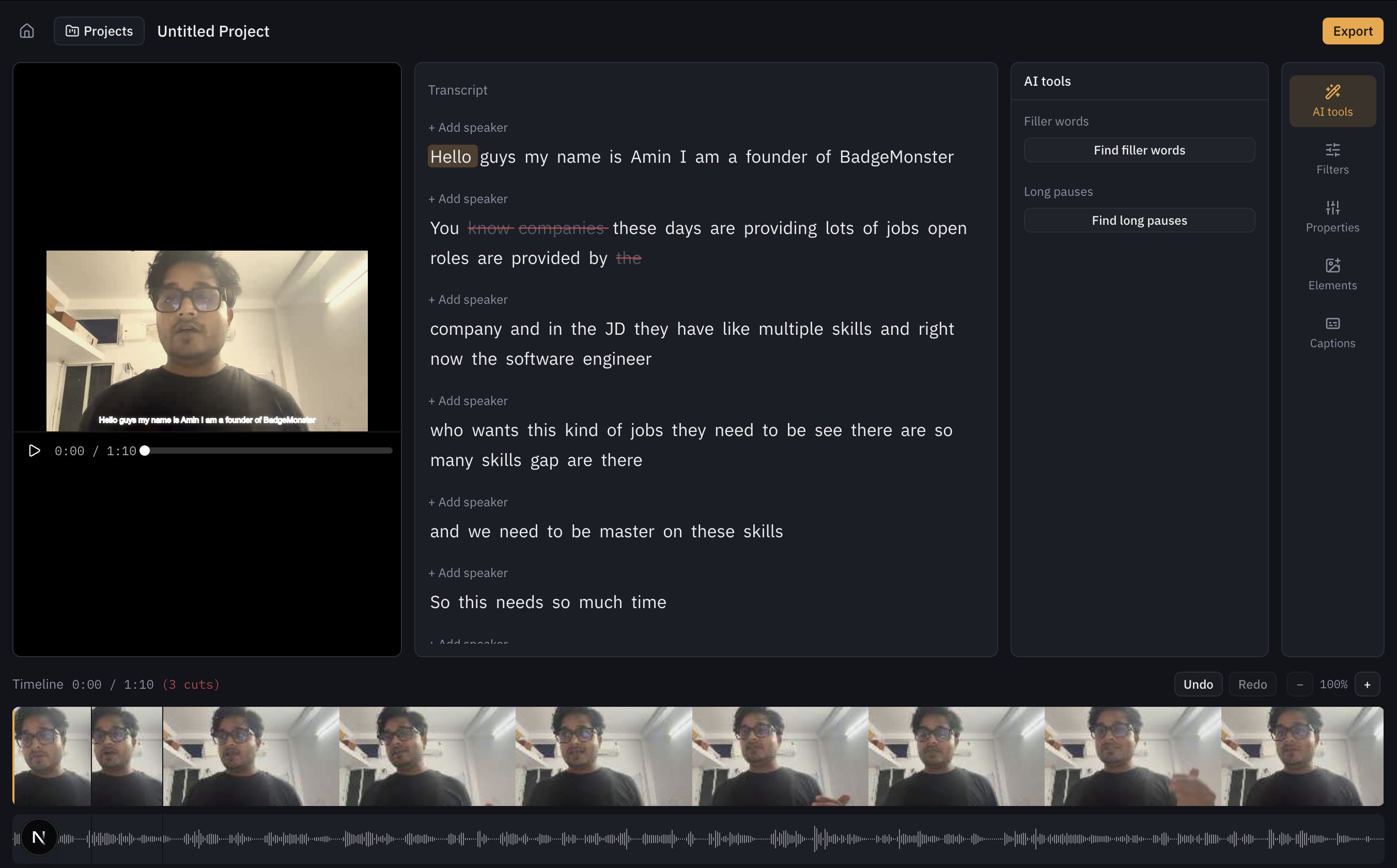
AI tools panel
Explicit, scoped actions — not a free-text command bar. See AI-Assisted Editing for why.
Want to see the color filters, properties panel, captions styling, or the zoomed-in timeline waveform? Those aren't captured here yet — contributions welcome.