📝
Transcript-first editing
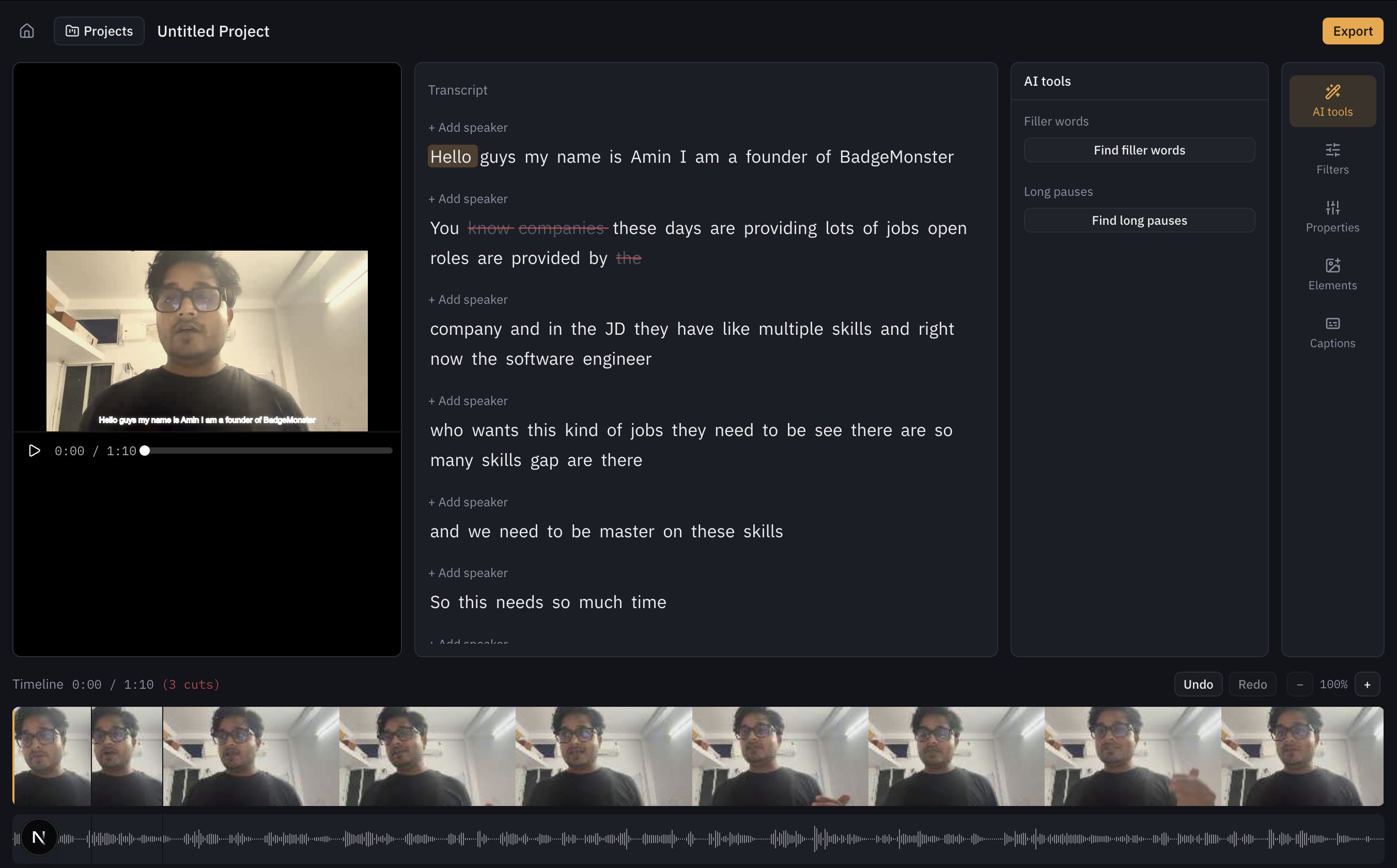
Select and delete text in the transcript and the corresponding section of the video is cut — reflected on the timeline and skipped during playback, with full undo/redo.
Built for video podcasts. Delete a sentence in the transcript and the matching cut lands on the timeline, then get podcast-ready audio, speaker labels, chapters, show notes and Shorts from the same project. Local-first and open source: no cloud account, just your own OpenAI API key.
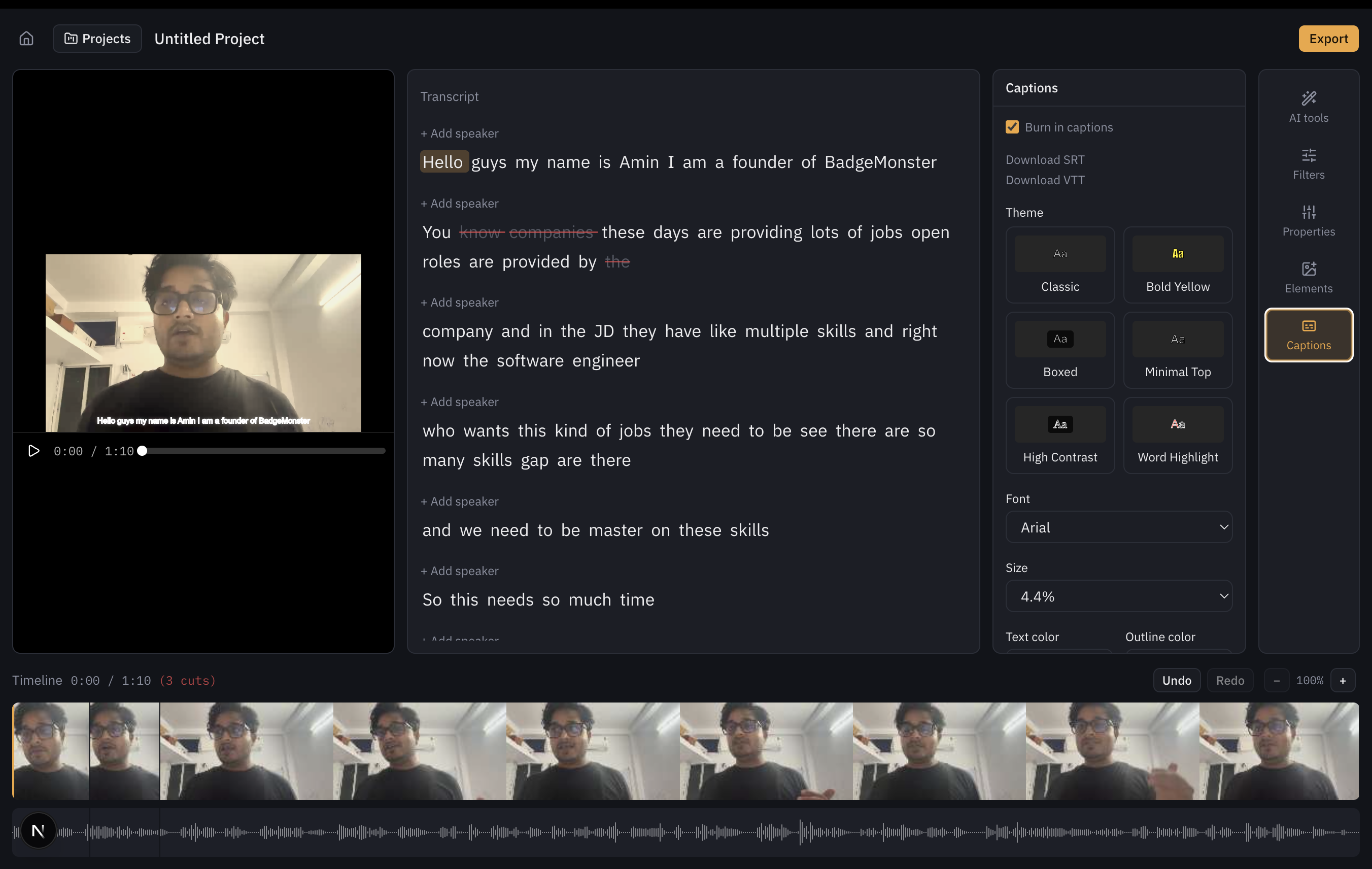
Traditional video editors make you scrub a timeline to find the part you want to cut. transcriptcut inverts that: the transcript is the editing surface. Read the words, delete the ones you don't want, and the video updates underneath you.
Transcript:  Hello everyone [DELETE] um basically [/DELETE] today we are learning AI.
                                  ↓
Timeline:    a cut is created at the exact word-level timestamps of the deleted span
Word-level timestamps (from Whisper) make this mapping exact, not approximate — see Editing Workflow for how it works end to end.